
Precision Tools for Architectural Modeling
DesignToolbox for 3ds Max
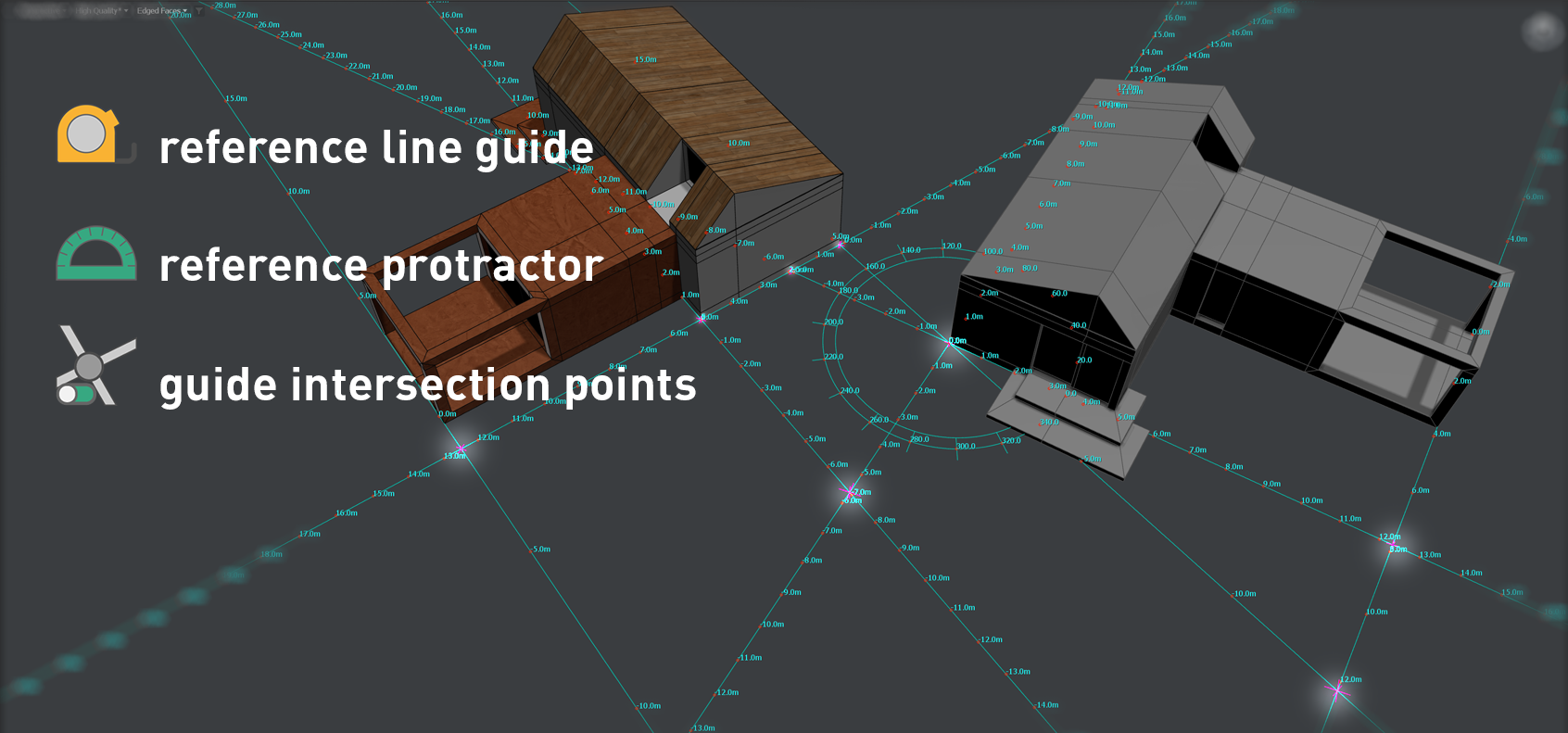
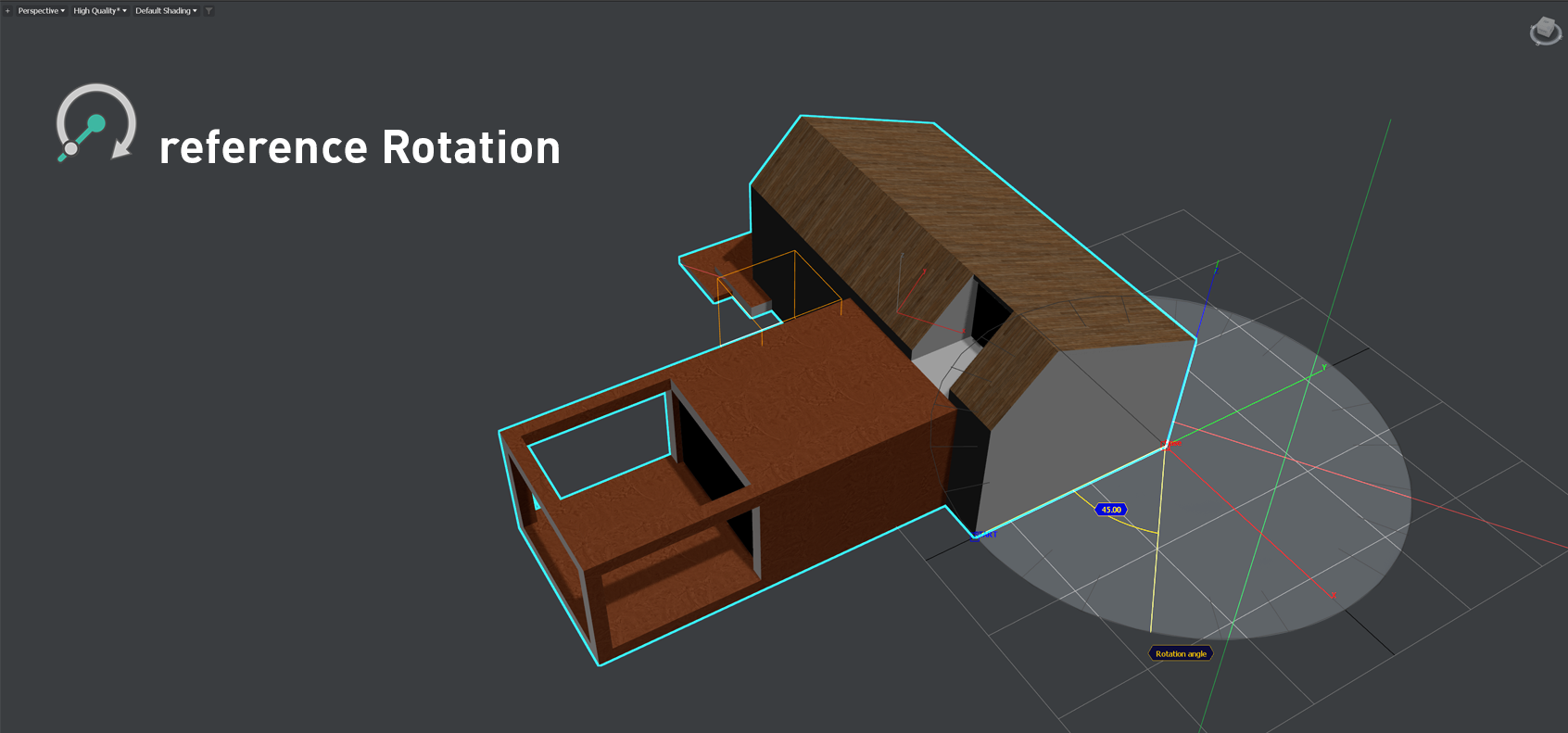
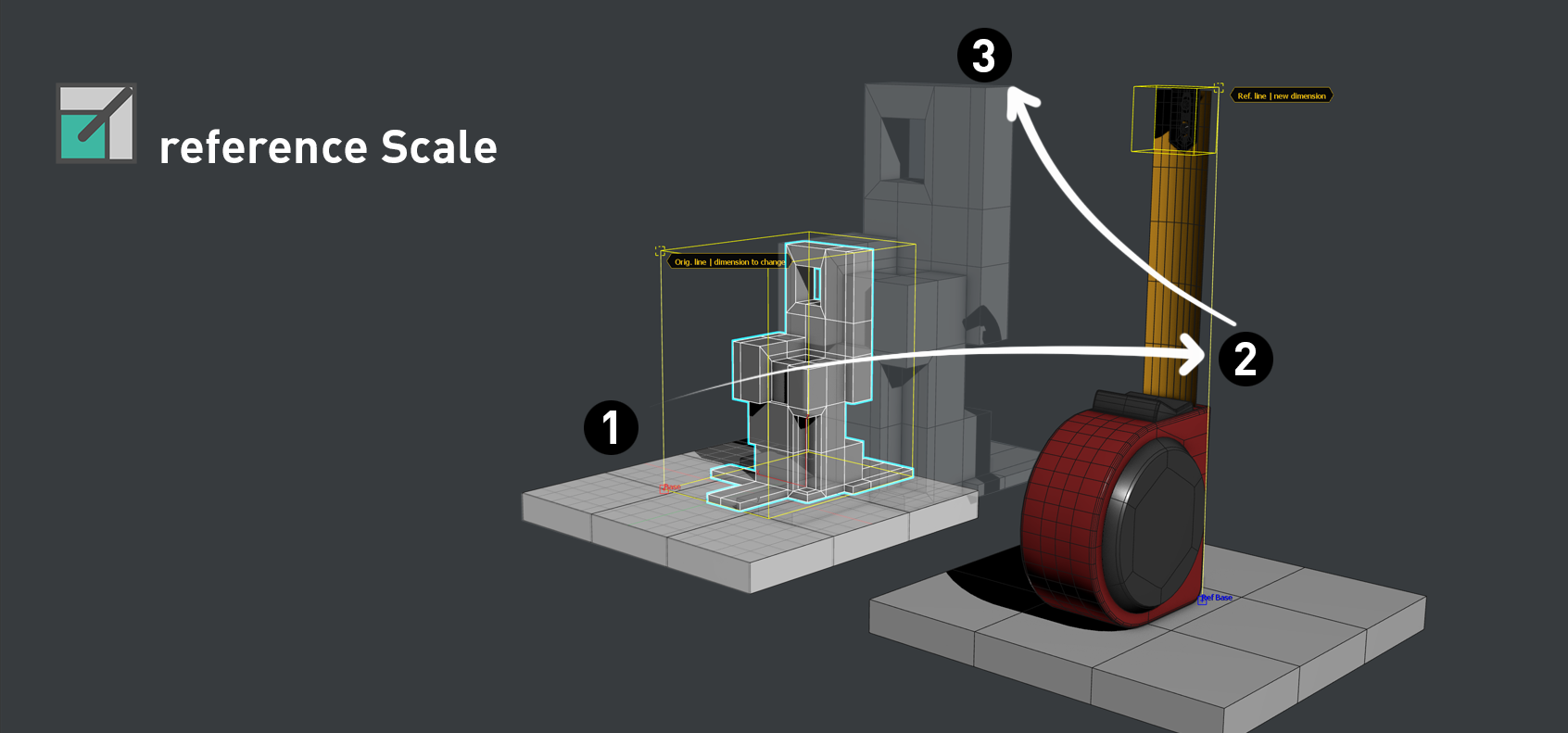
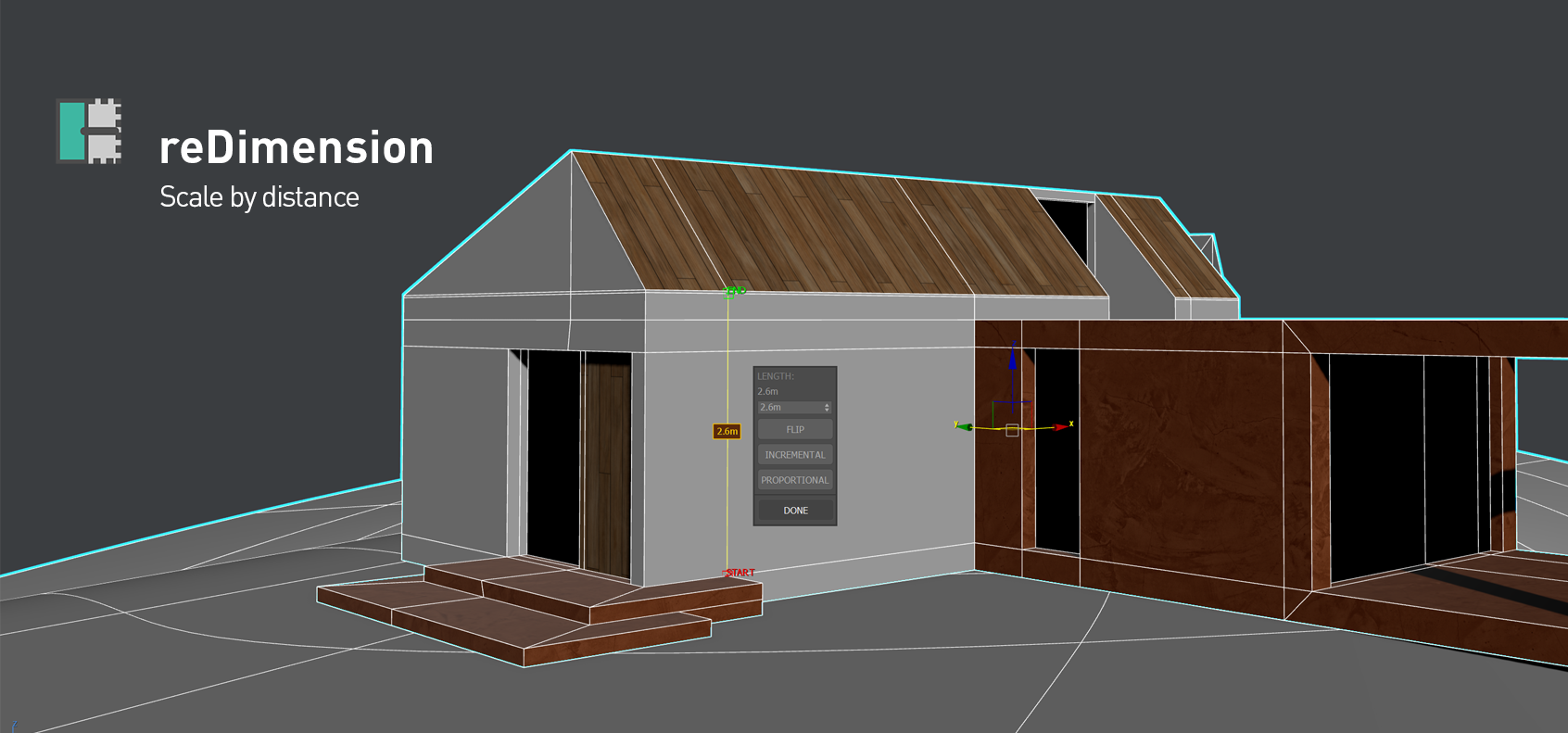
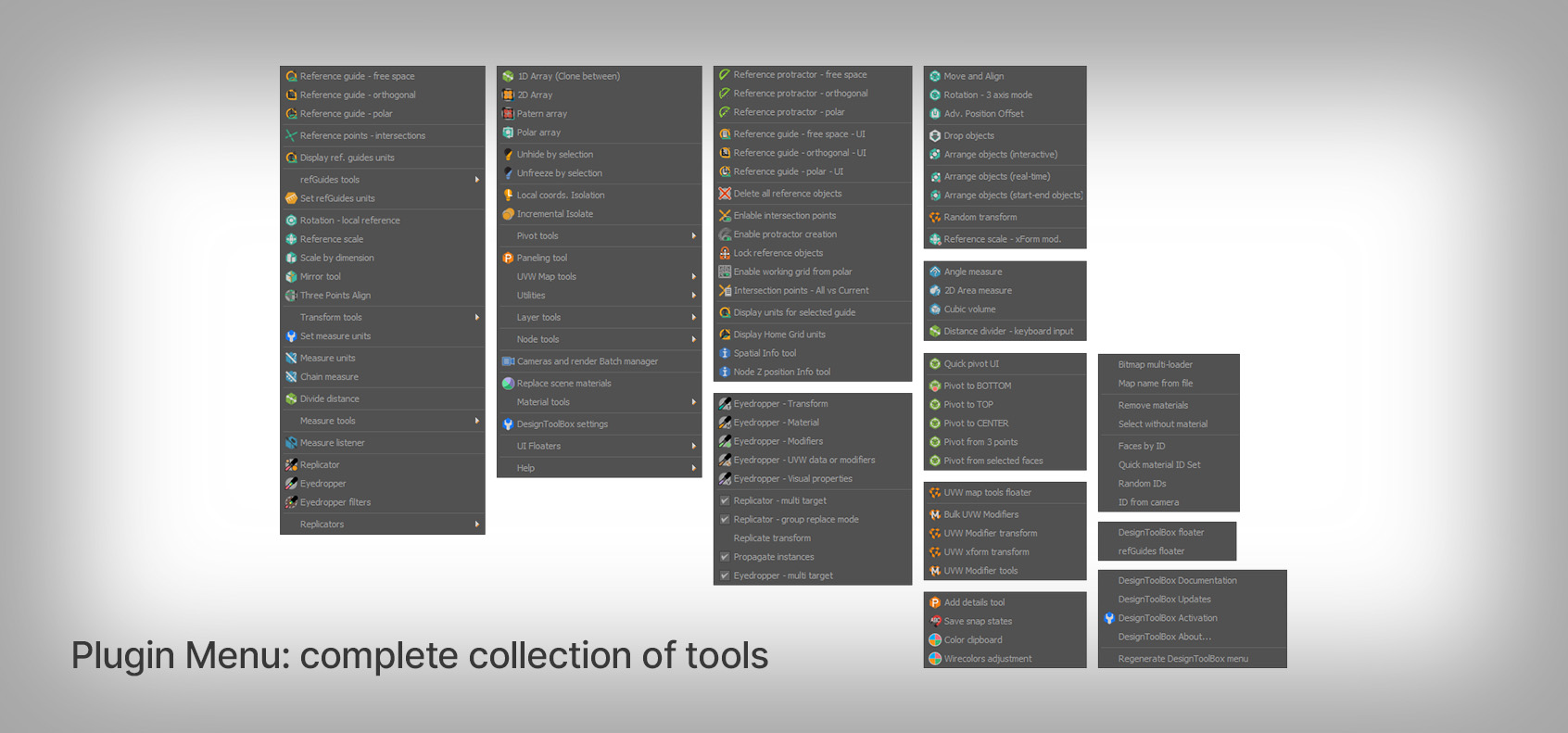
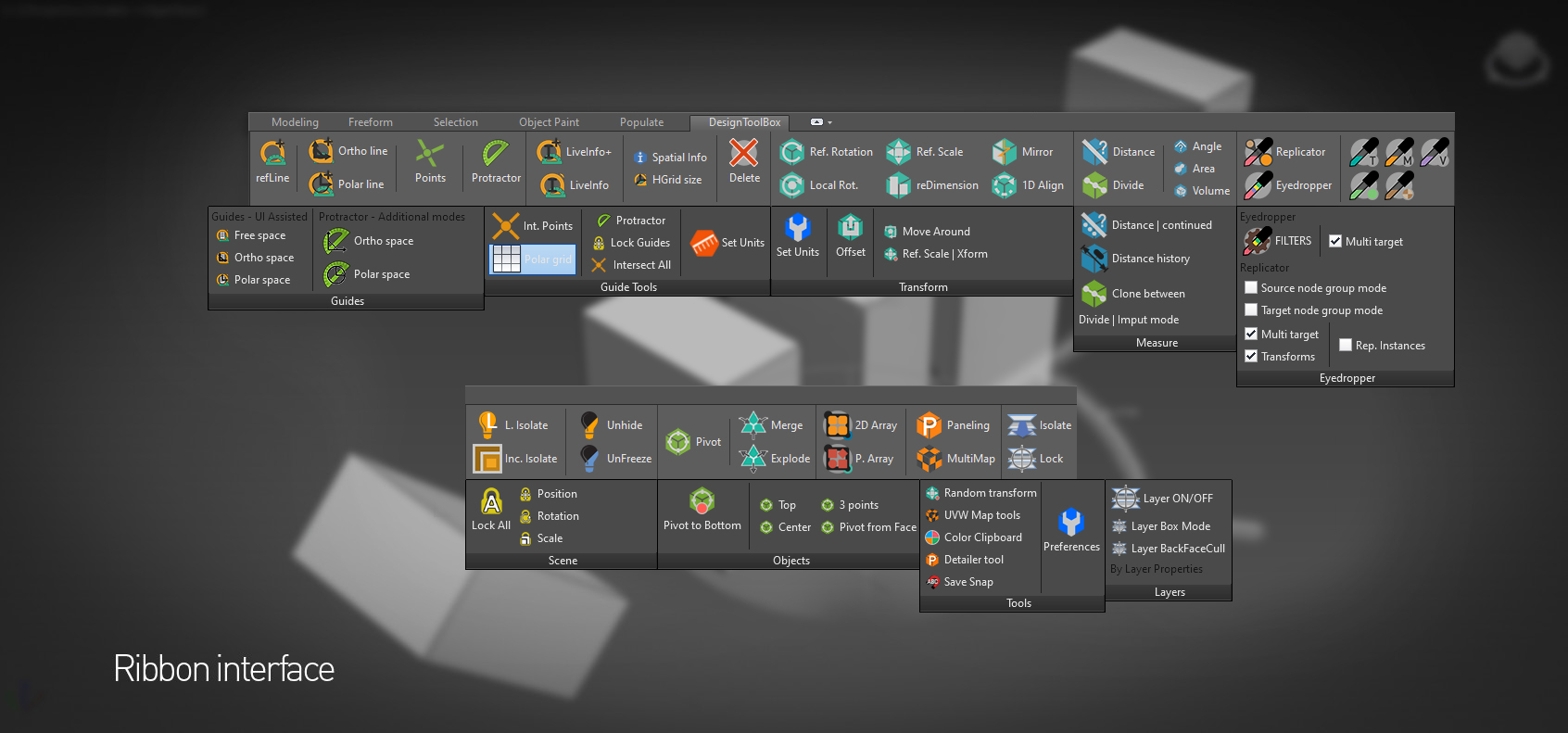
DesignToolbox is a collection of tools specially designed to accelerate and simplify basic modeling tasks for architectural models, furniture design, and other tasks where accurate modeling is needed. Professionals used to CAD or precision software will find some of the included transformation tools very familiar, such as reference rotation, scale and position, measurement tools, and reference guides.
Precision Transformation Tools
CAD-familiar reference rotation, scale and position tools for accurate modeling workflows.
Advanced Modeling Aids
Visual rulers, snapping points at poly intersections, fast pivot placement and work planes.
Productivity Features
Fast UVW mapping, randomize and cloning tools, scene management and panel grids for efficient workflows.
DesignToolBox in Autodesk 3ds Max
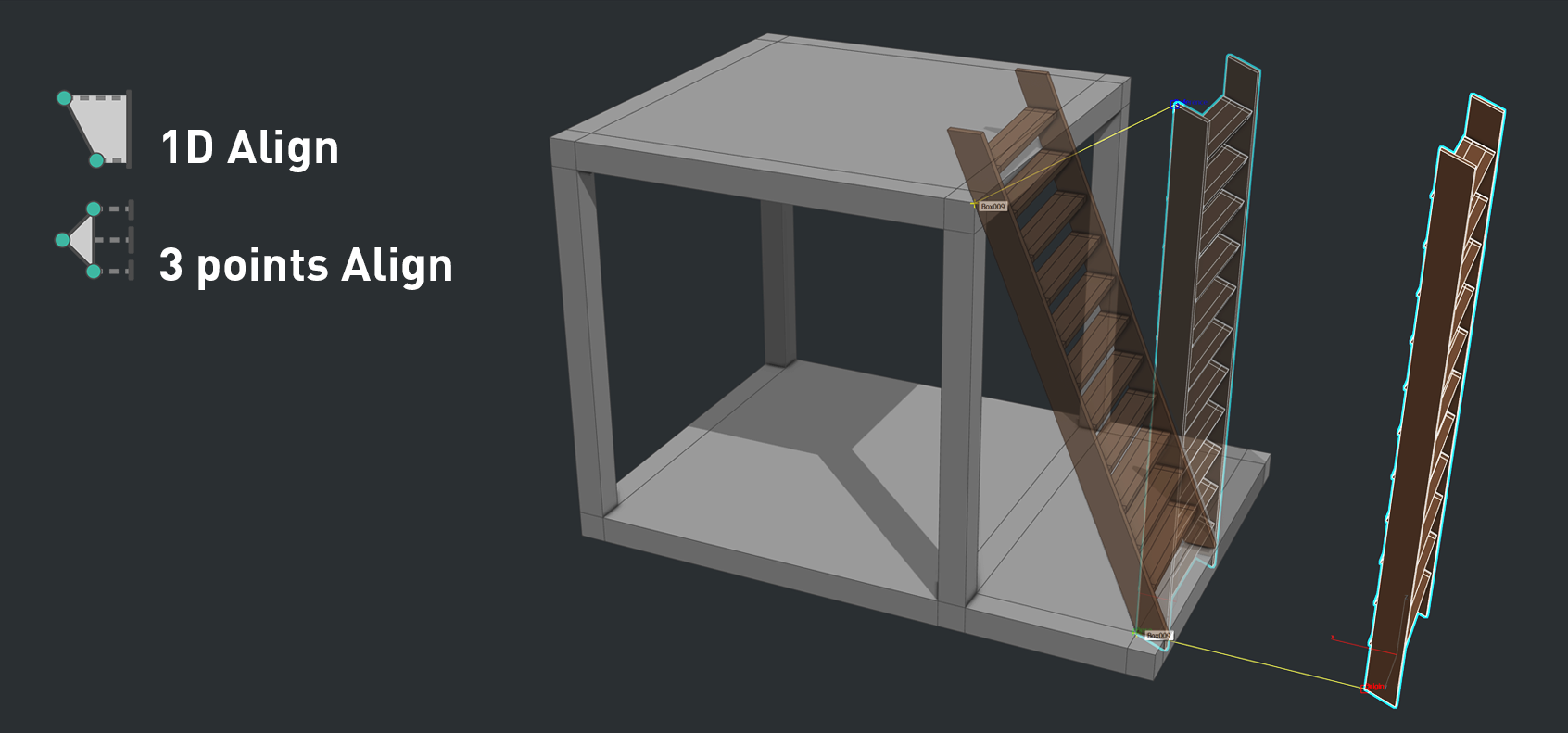
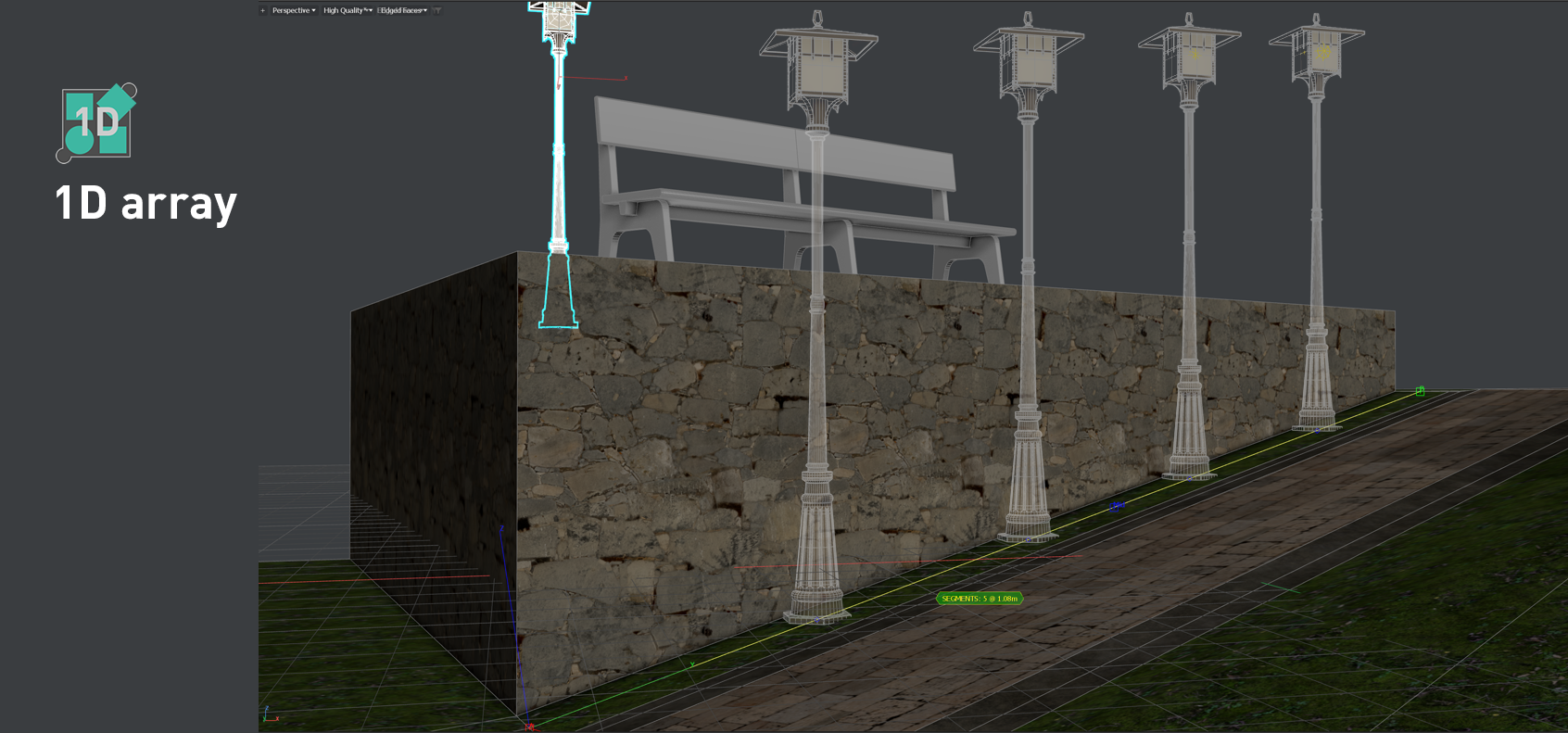
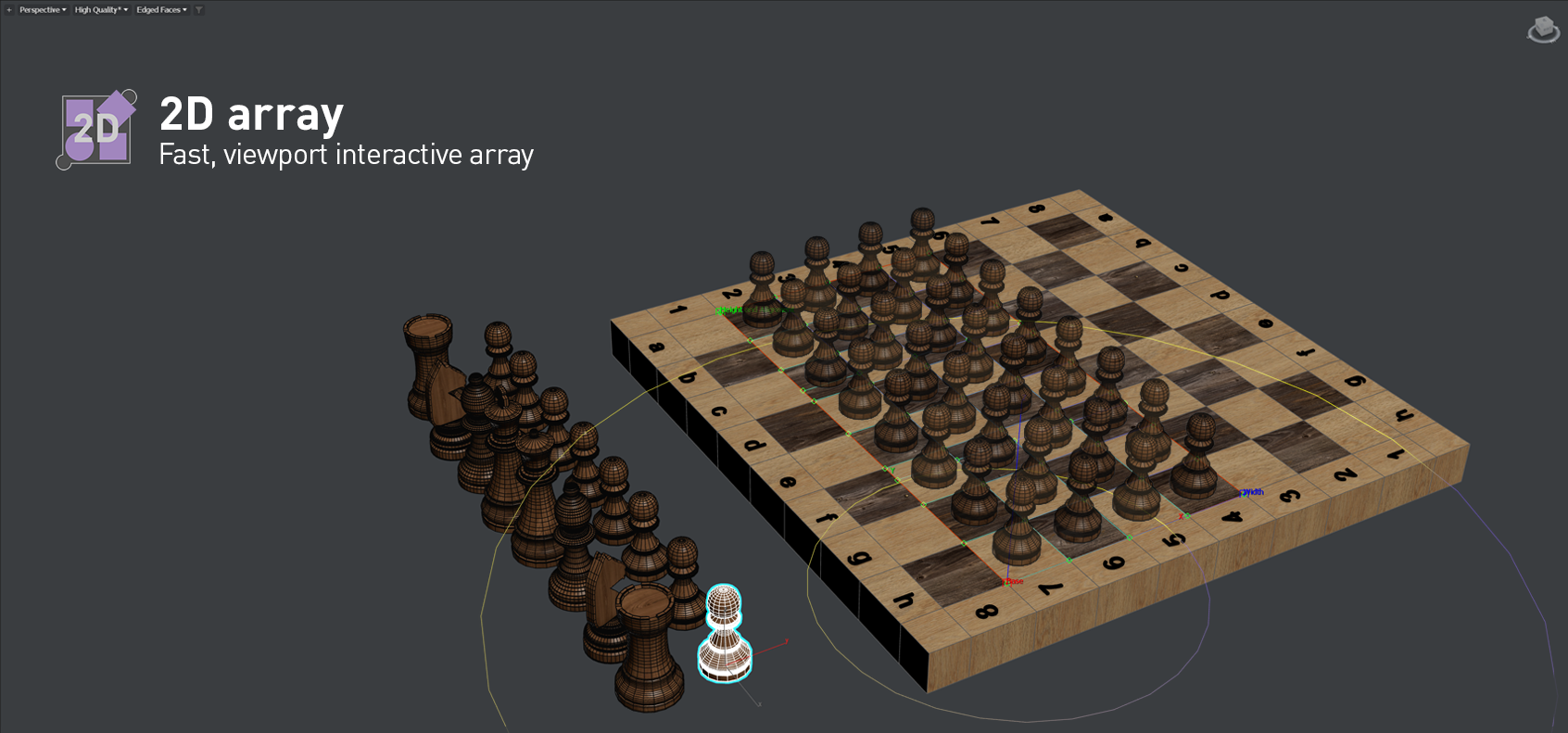
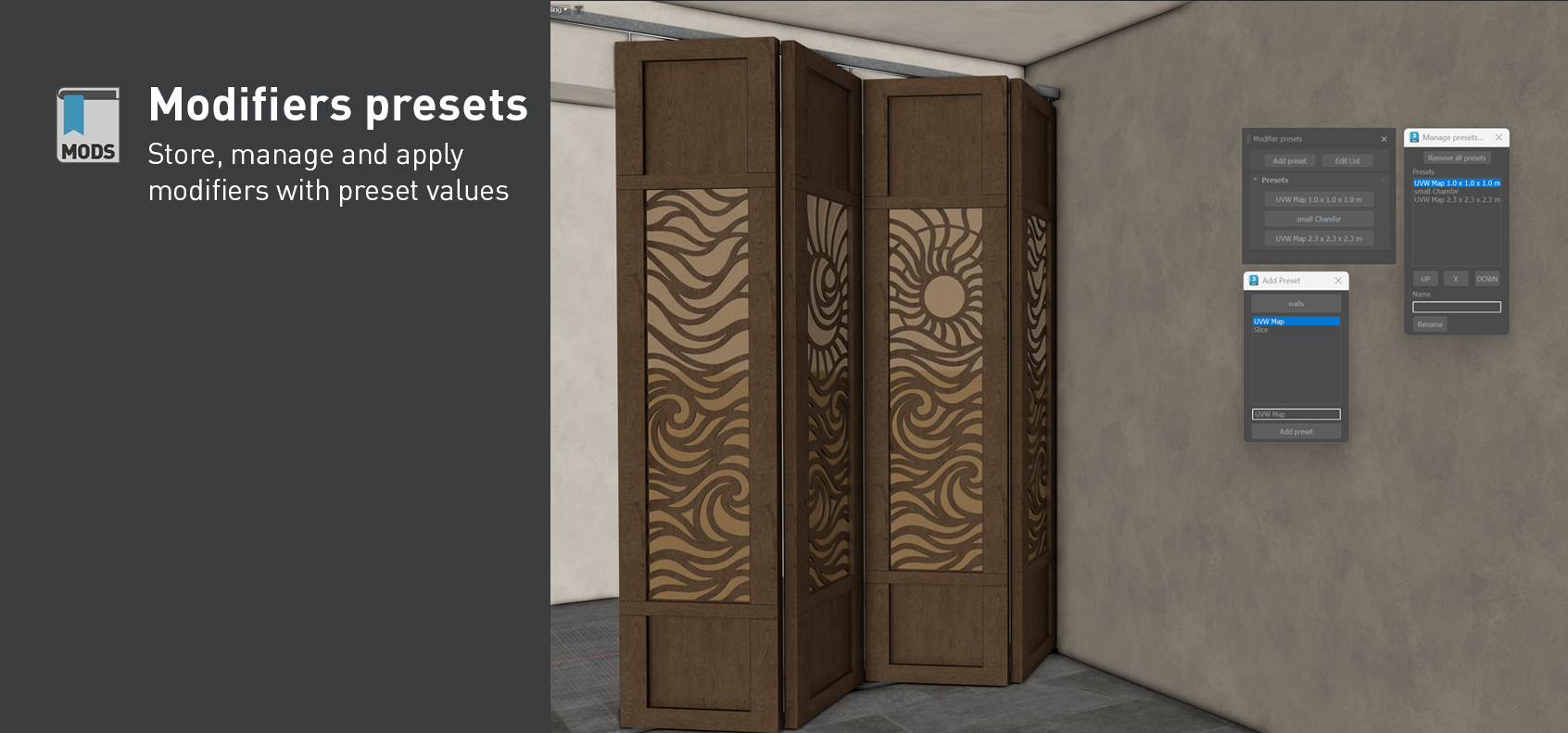
Everything you need to improve your archviz workflow
DesignToolBox offers a set of tools to speed up your modeling tasks, with a focus on precision and efficiency. Whether you are designing architectural models, furniture, or any other detailed objects, these tools will help you work faster and more accurately. New tools are added with each update.








Transform
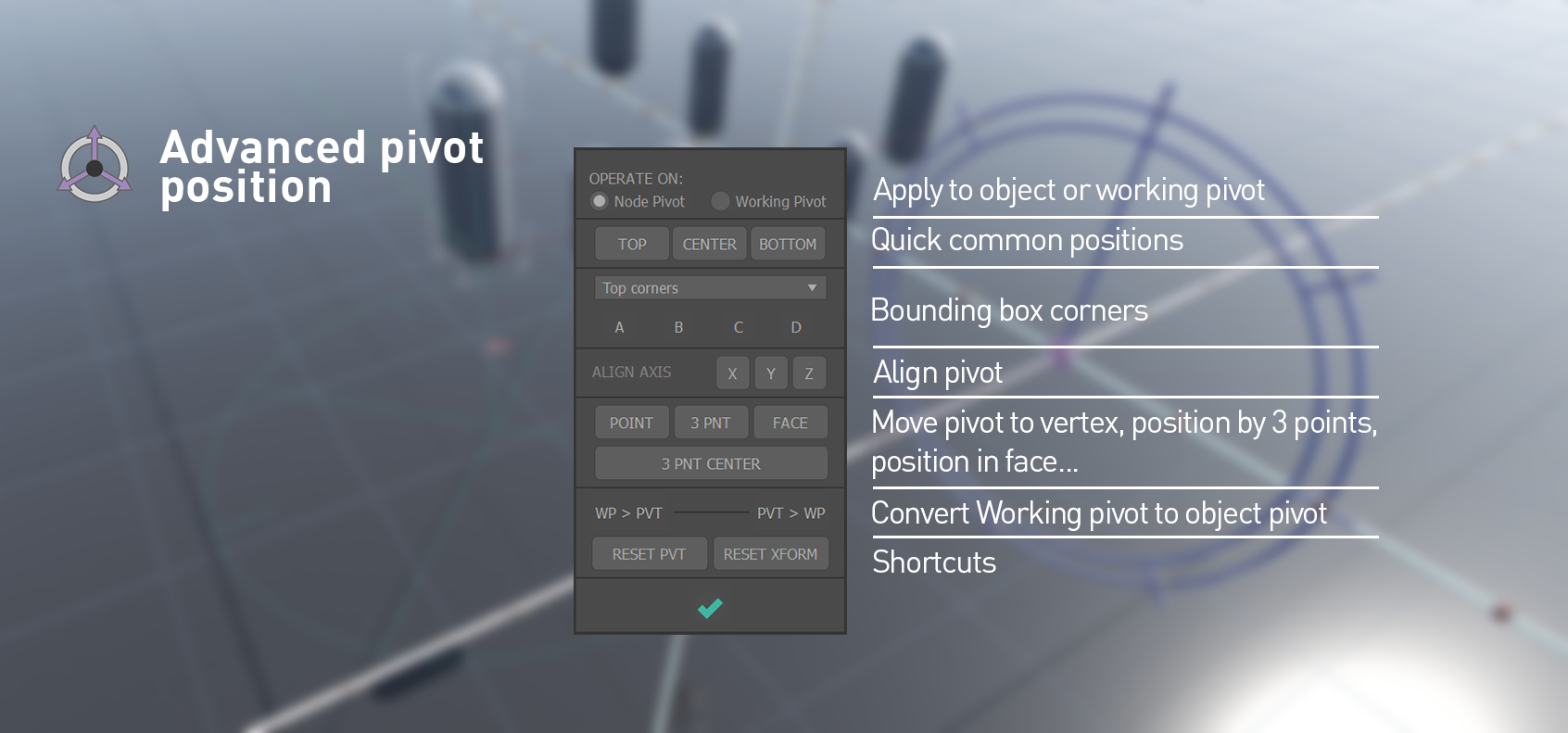
Precise CAD-like and advanced transformation tools.

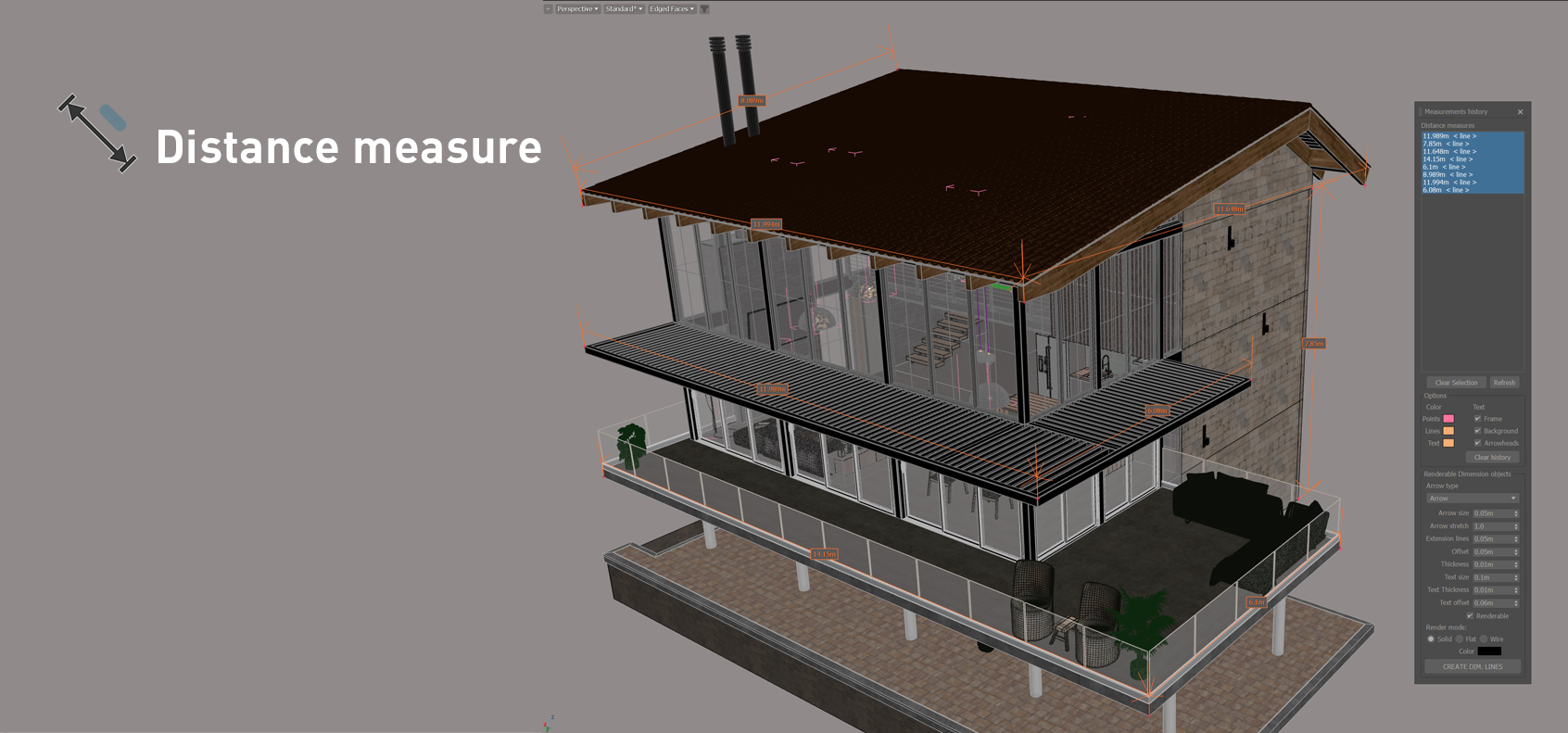
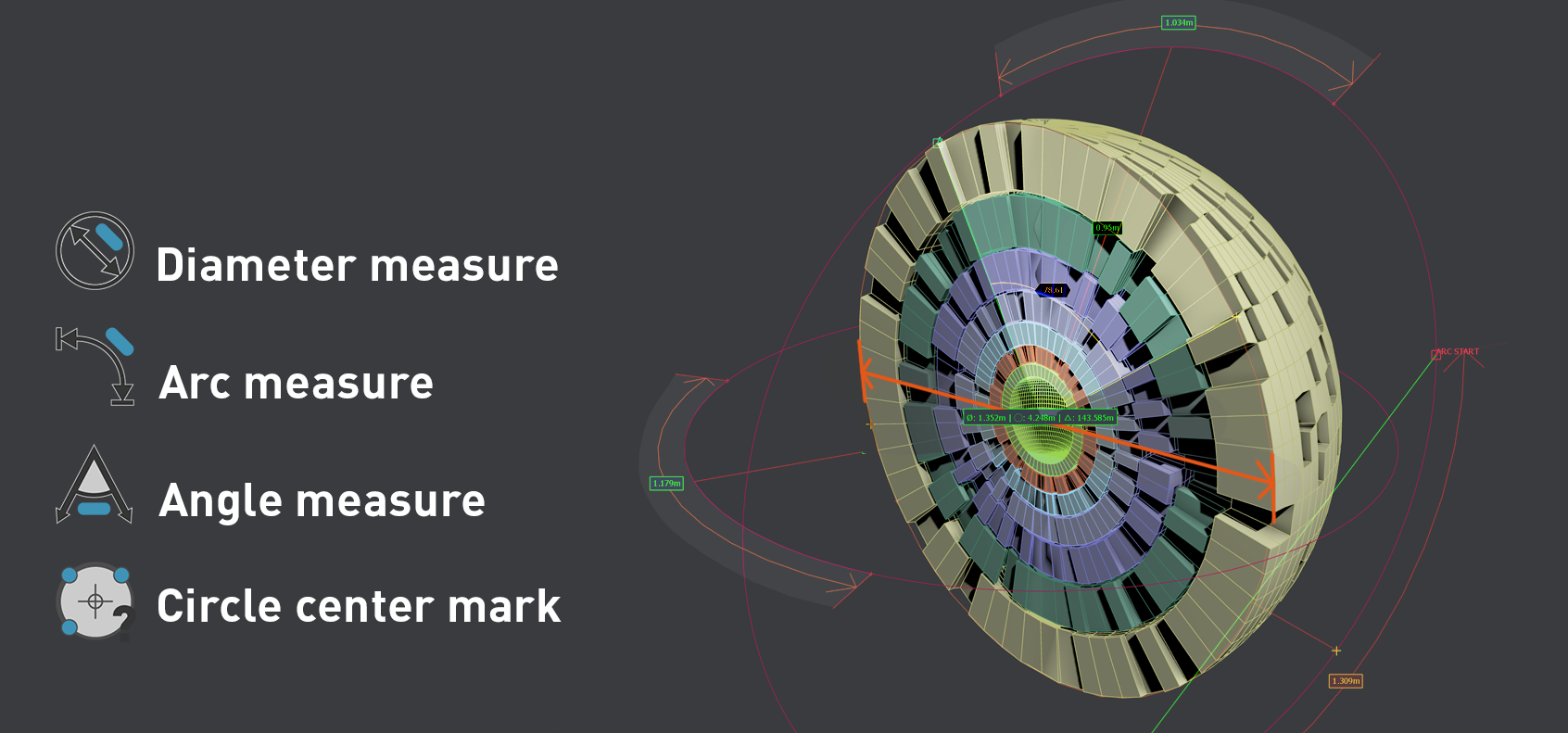
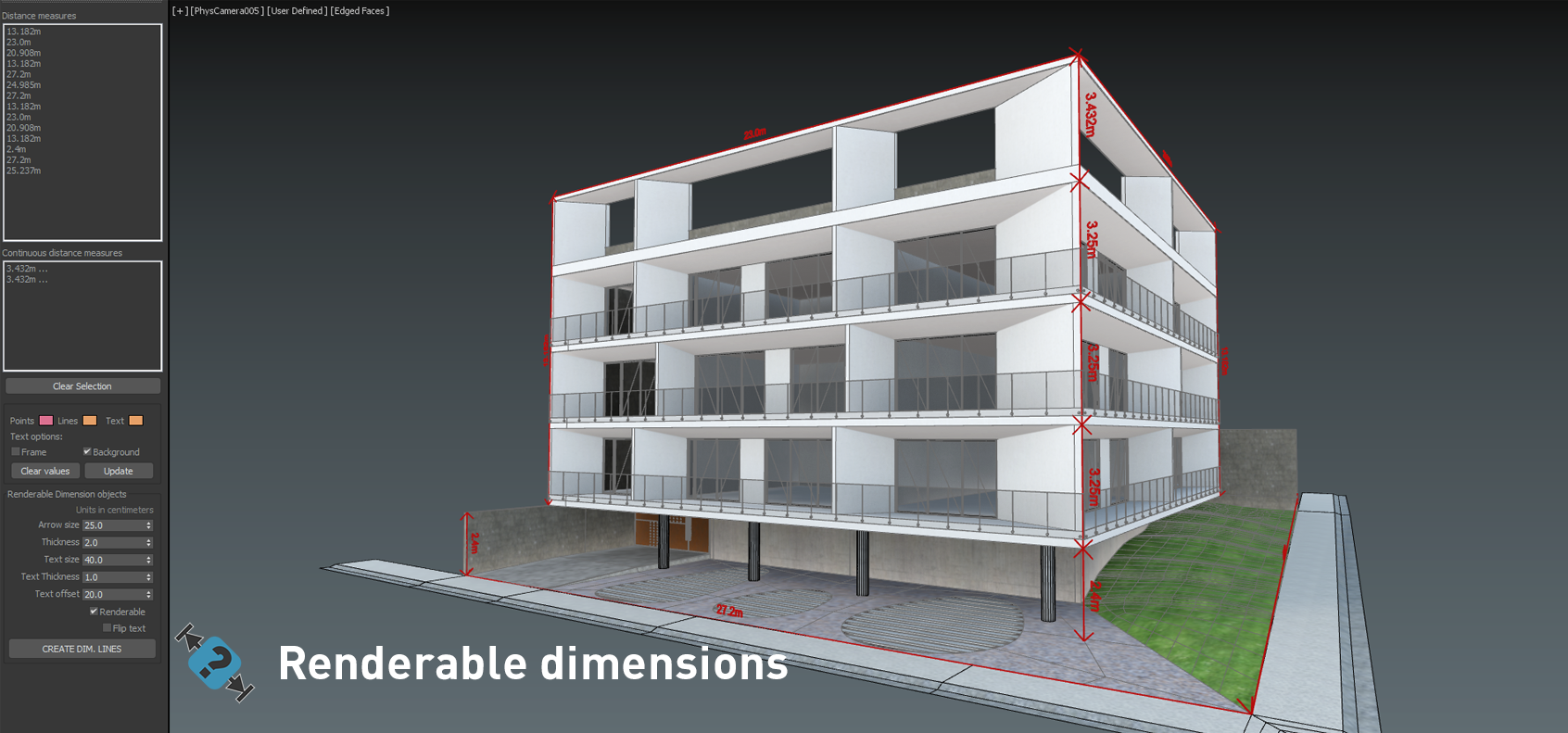
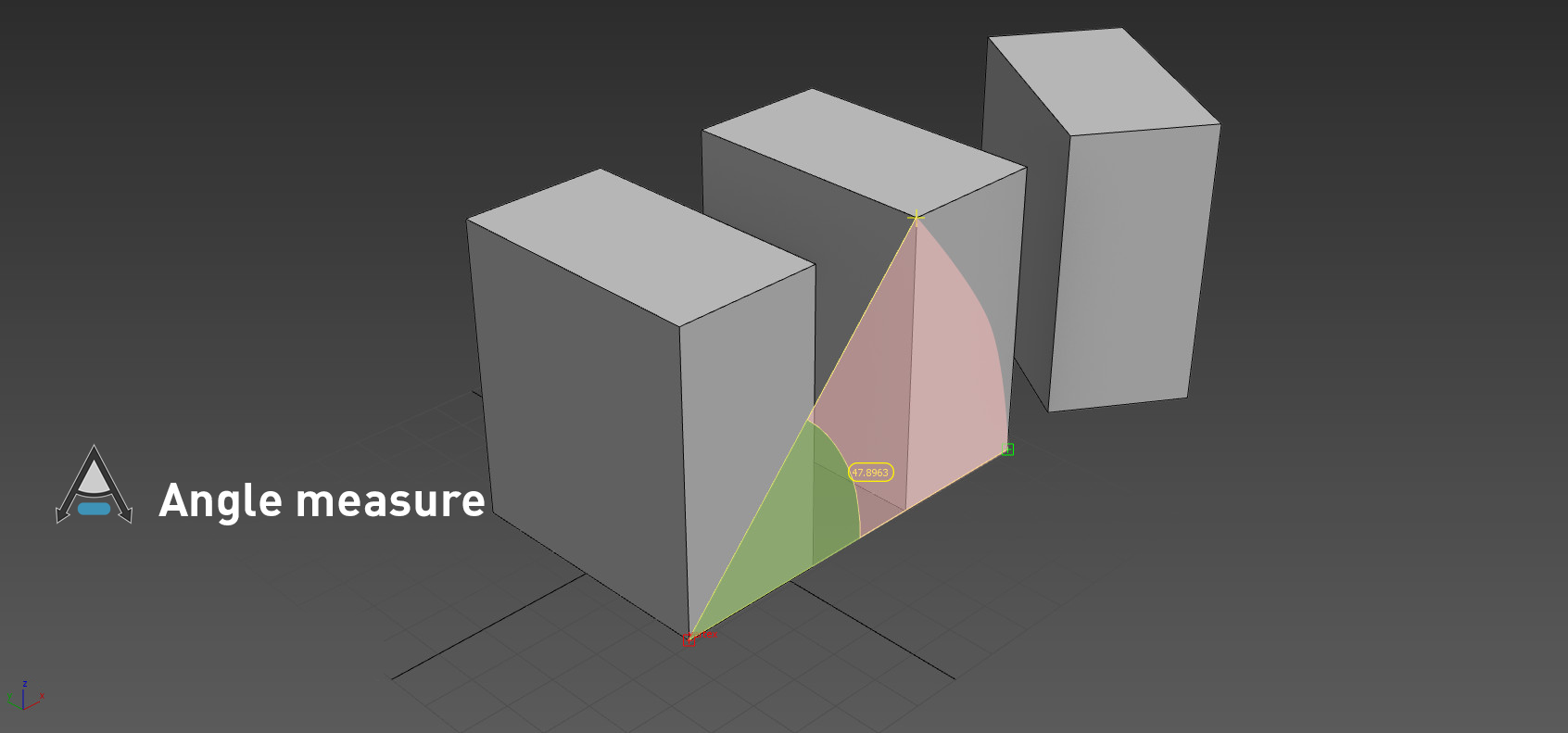
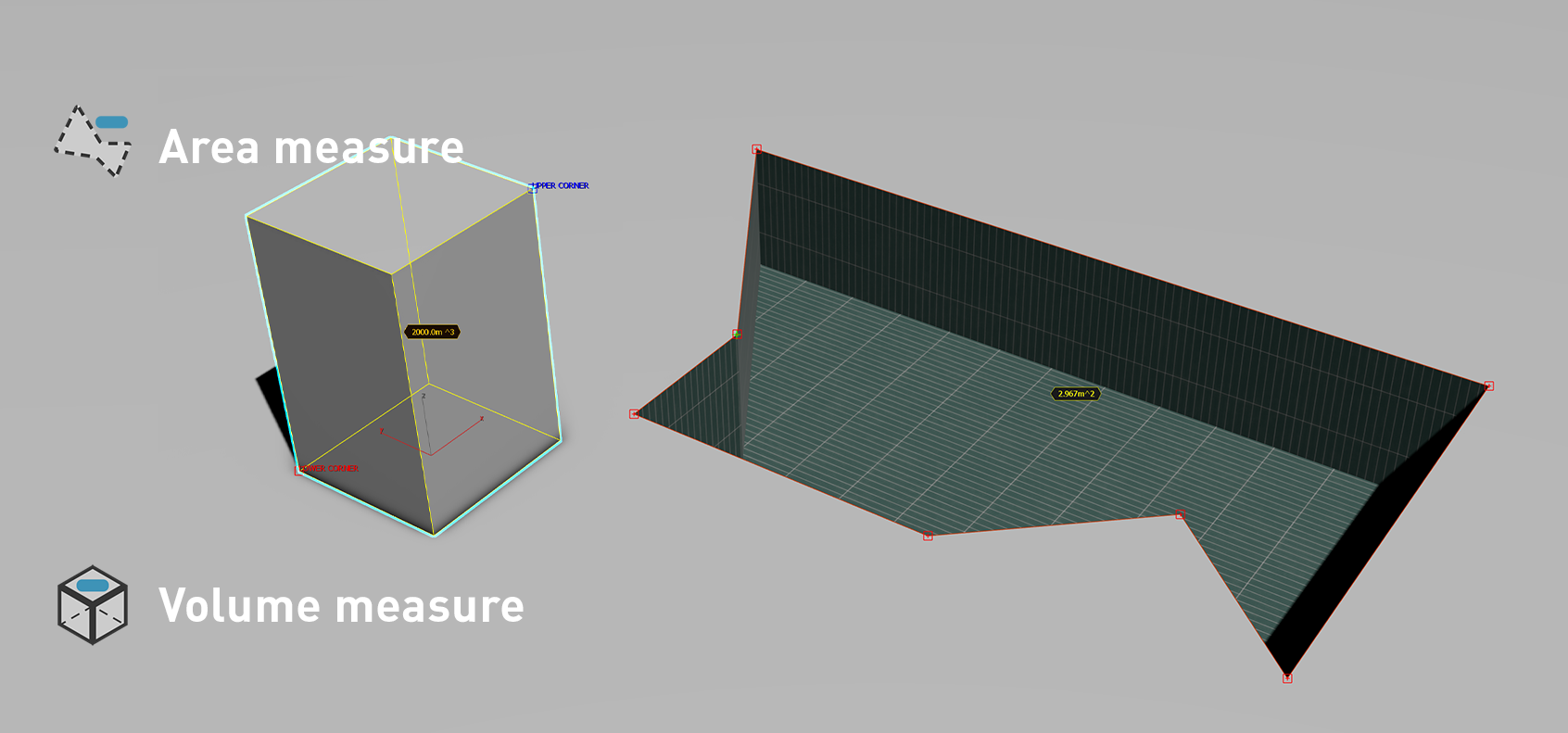
Measure
Inquiry and display dimensions, angles and areas.

Project
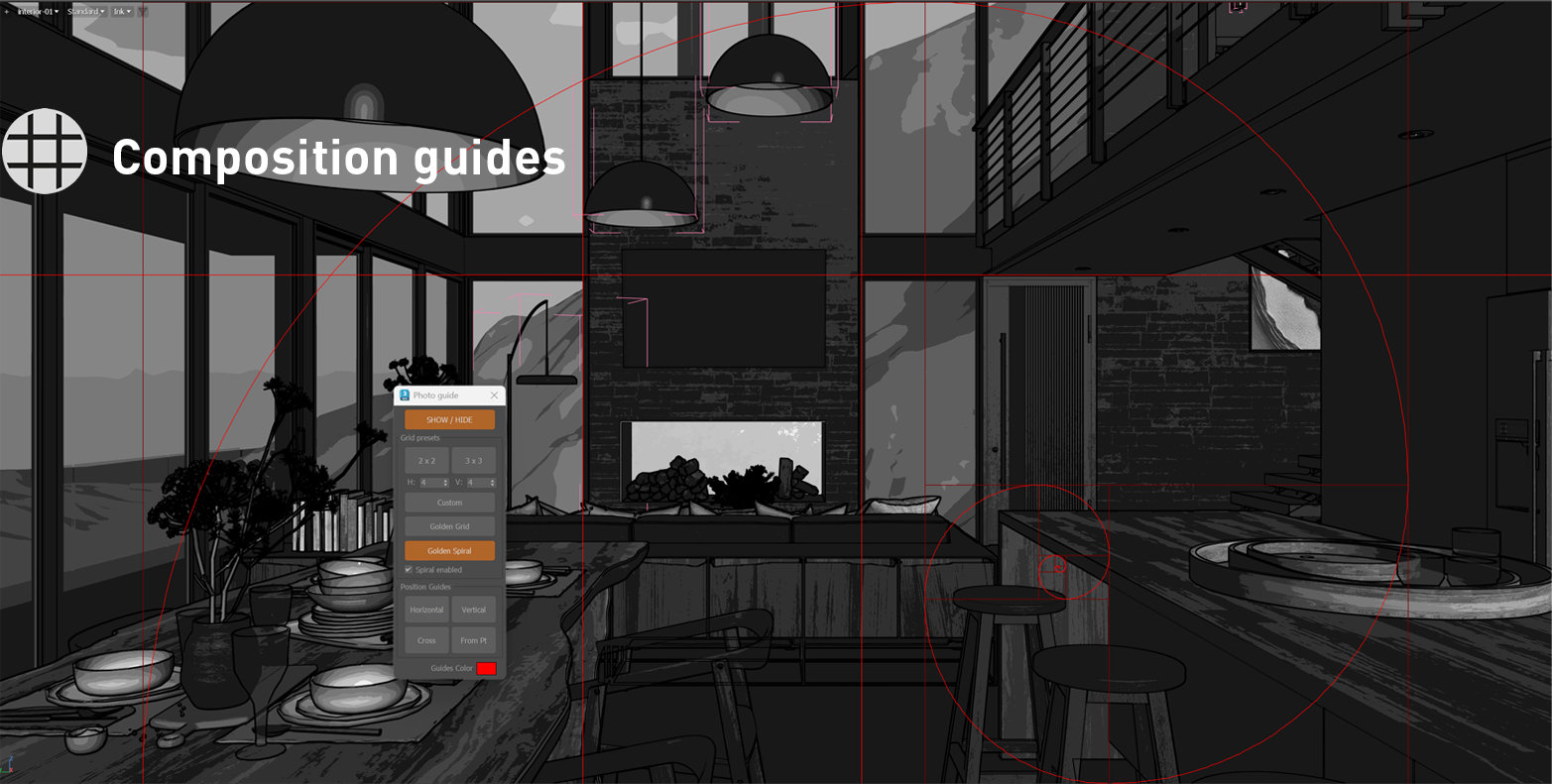
Construct your model with spatial reference guides.

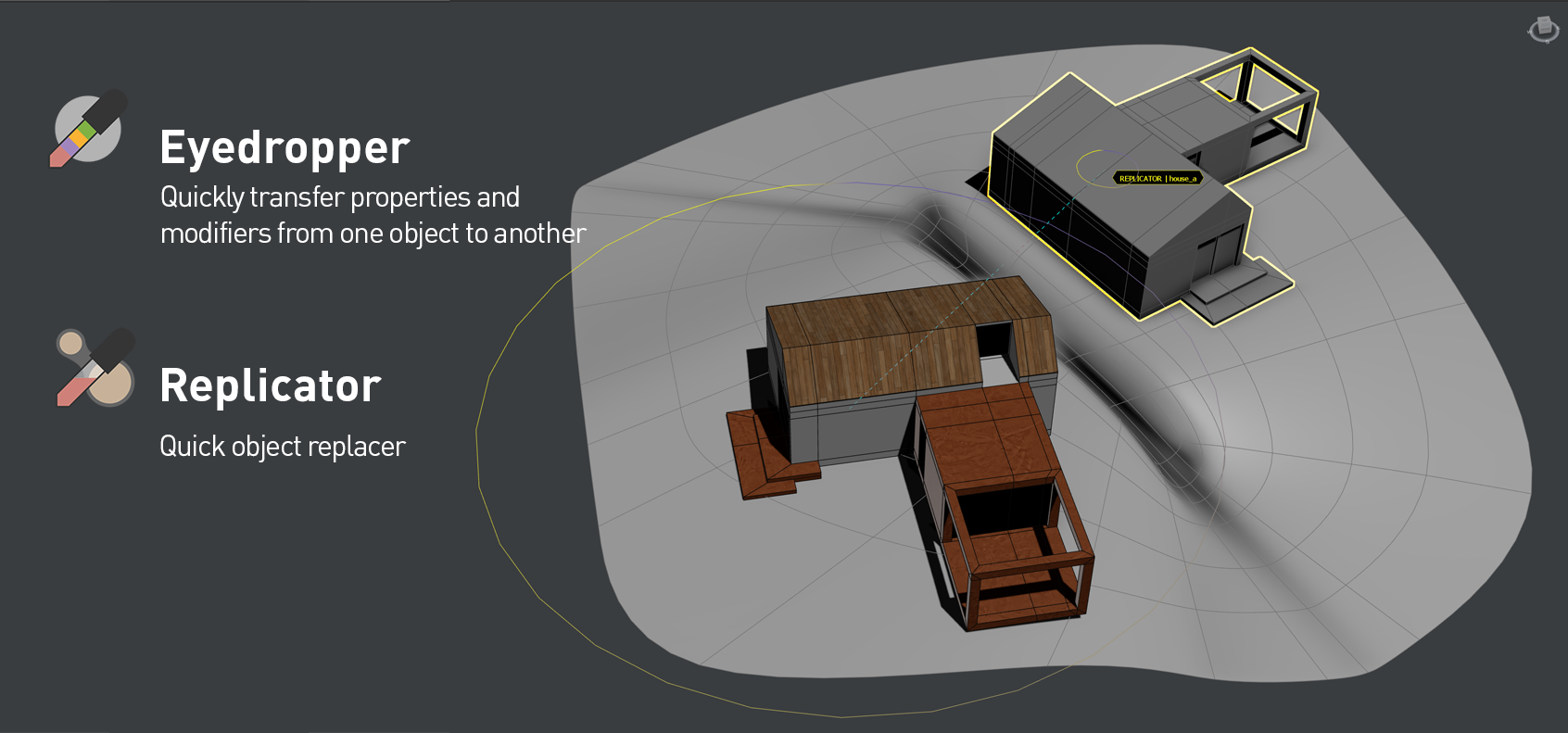
Replicate
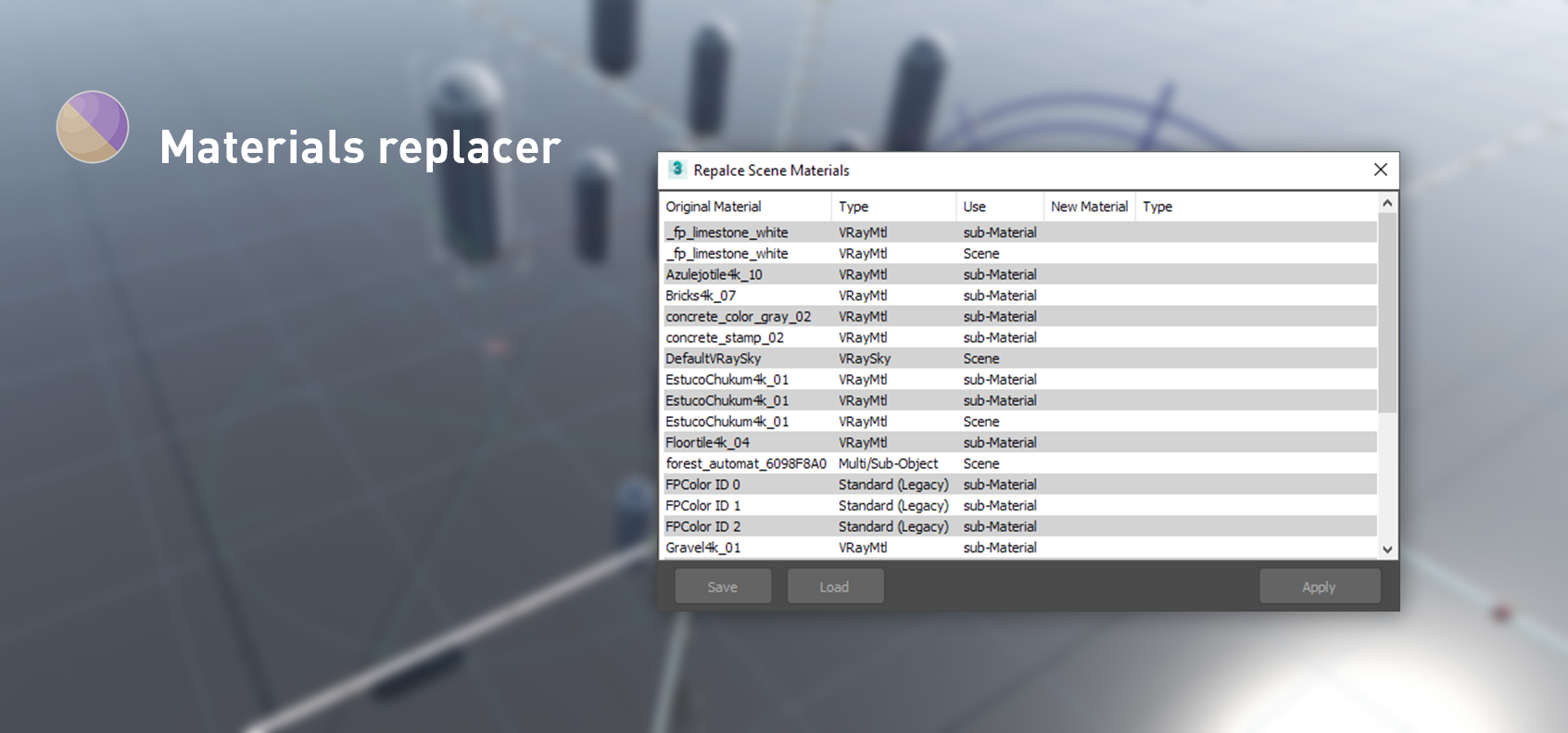
Match properties, replace nodes with a few clicks.

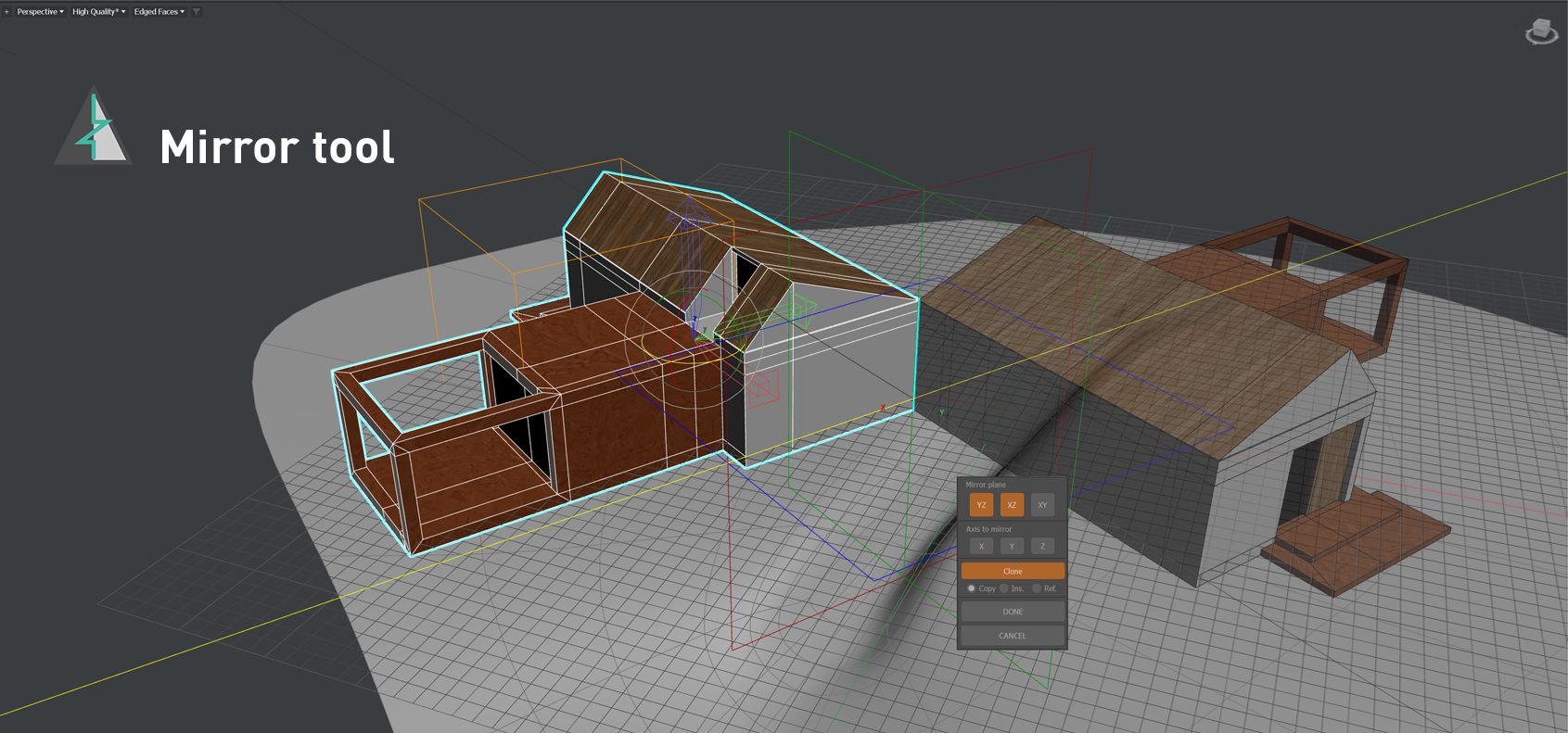
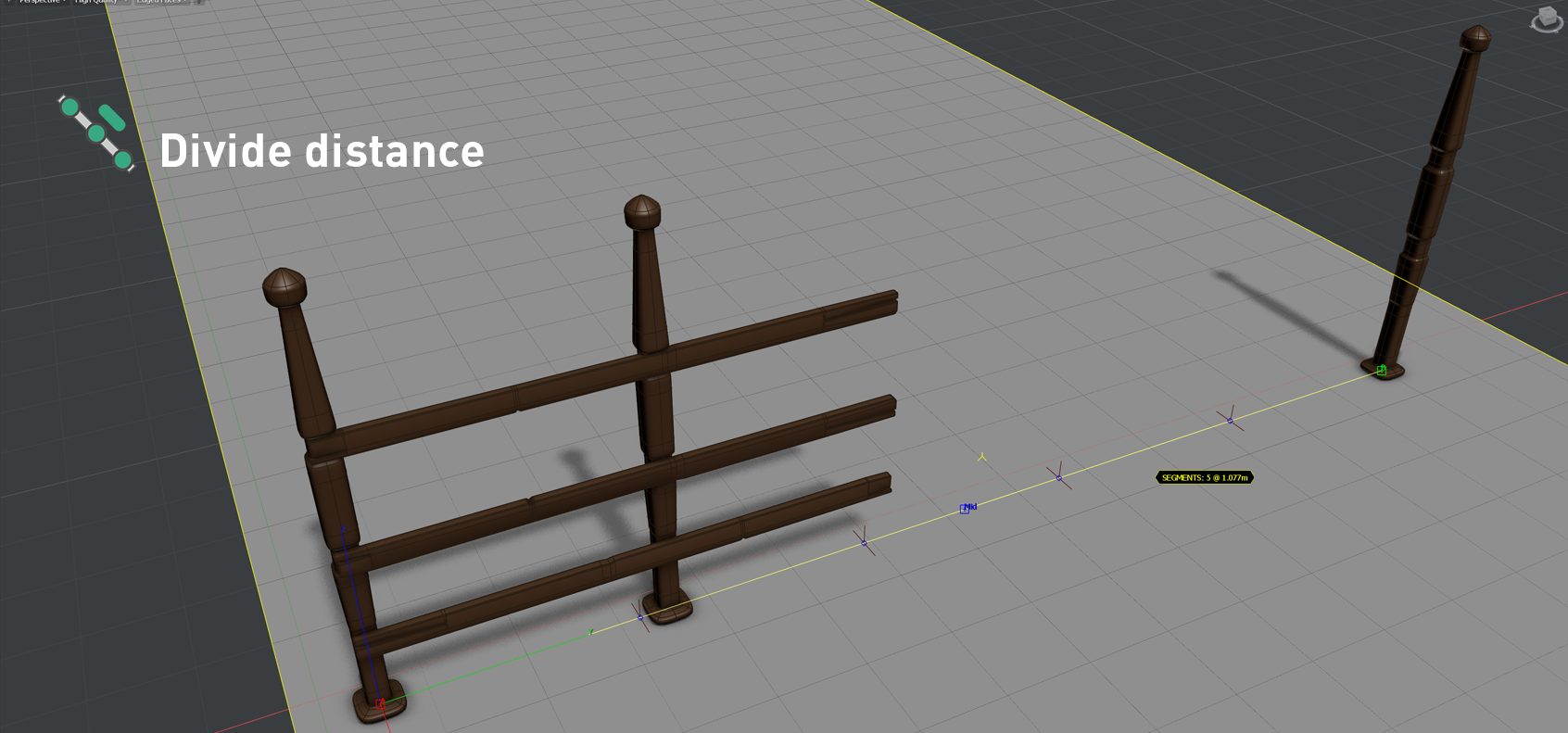
Clone
Distribute and clone nodes with interactive array tools.

Organize & manage
Work faster with layers and manage node visibility.

Preparing scene to render
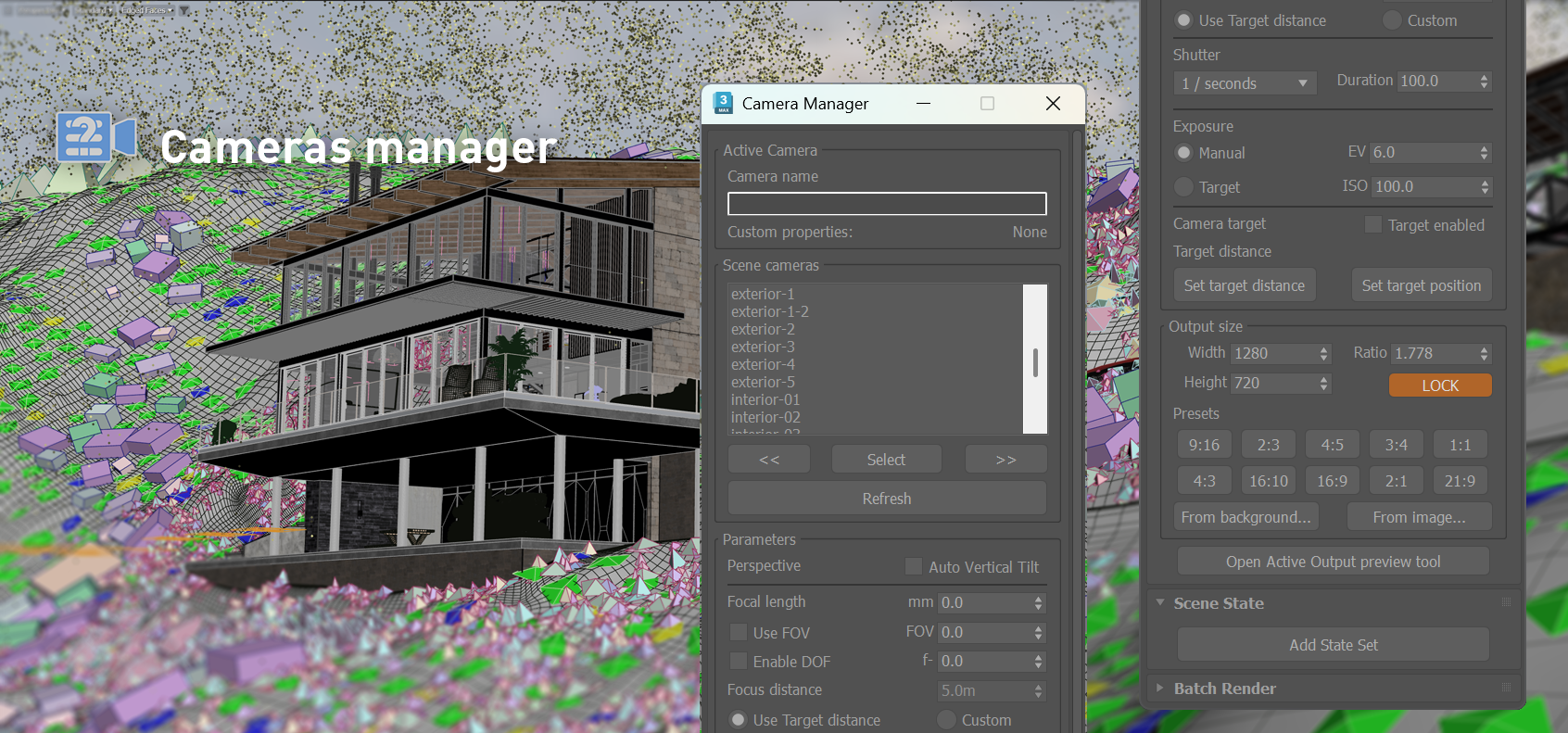
Review cameras and different output sizes faster, Set up batch render views with fewer clicks.

Materials and texture
Load a bunch of Textures in one operation. Easy manage geometry IDs.

+ Utilities
Save modifiers presets, edit UVW maps, straighten edges, align vertices, randomization tools and more.
Get it now
Try it for free with the demo version.
- Autodesk 3Ds Max version support: 2018 64bit - 2027.
- Demo and licensed versions share the same installer. Once the license is authorized, the limitations are removed and disabled tools will be available.
- The upgrade to the full DesignToolBox package, for current customers of (discontinued) refGuides plugin is now FREE of charge.
More tools
Discover our other plugins to supercharge your workflow
BlendSplines
Blend Splines is a lightweight shape plugin for 3ds Max that lets you generate smooth, animated transitions between two splines—ideal for motion graphics workflows and surface modeling. Inspired by blend tools found in vector design software, it creates intermediate splines that interpolate between your selected shapes with customizable spacing and trajectory.